Updated October 21st, 2026
If you happen to have a sliced file and you want to convert it back to a mesh to re-slice or something, you're in luck! After loading a sliced file (or slicing something) you can press the 'Reconstruct Mesh' button in the Sliced panel, select a resolution, and get the reconstructed mesh loaded into your project.
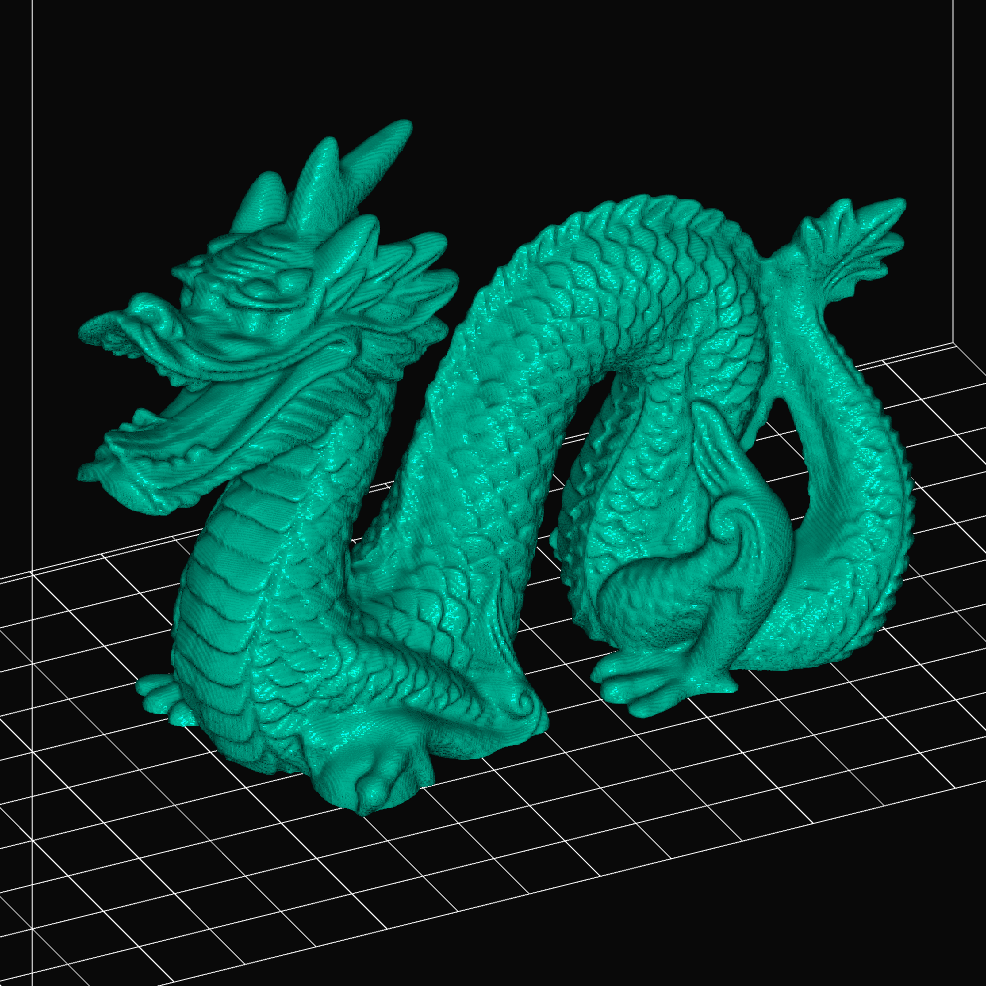
The image is the Stanford dragon recreated from a sliced file at coarse fidelity using marching cubes. It looks pretty good for being downsampled so much (20×), but you can see some artifacts, especially in areas with lower curvature. Do note that since every voxel can create multiple triangles in the reconstructed mesh, the poly count will be enormous even at lower fidelity. This example resulted in over 3.3M faces.
Greedy meshing is a lot faster and results in less faces, but it will not always create manifold meshes.
 mslicer